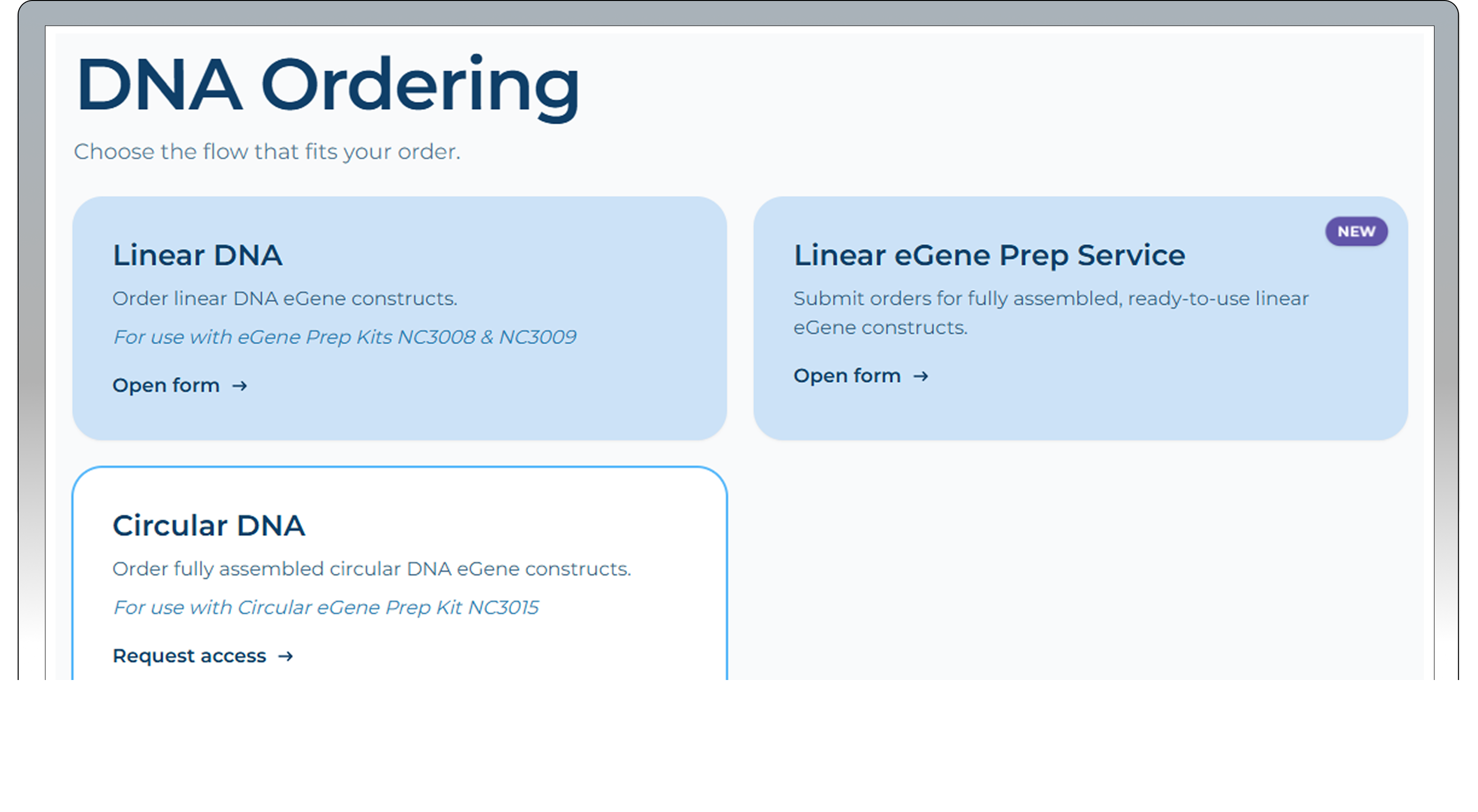
DNA ordering
Follow the instructions in the tabs below to order sequences via our Cloud Software. To begin, you must first download the sequences from the software.
Protein Sequences Download
Enter your Cloud Software and navigate to the project your proteins are saved in.
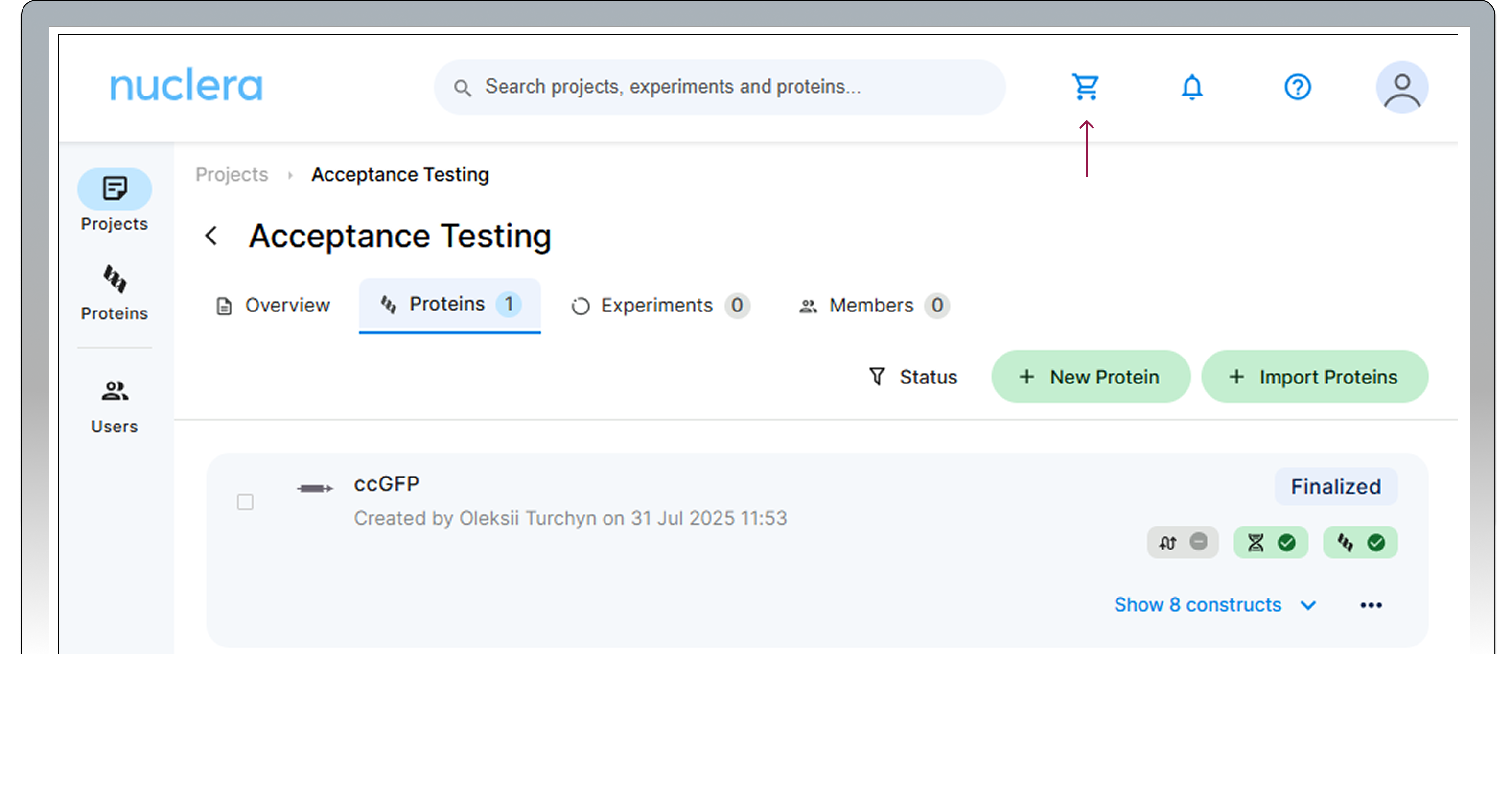
Go to the Proteins tab and hover to the left of the protein names. Check the boxes for the proteins you wish to download or order.
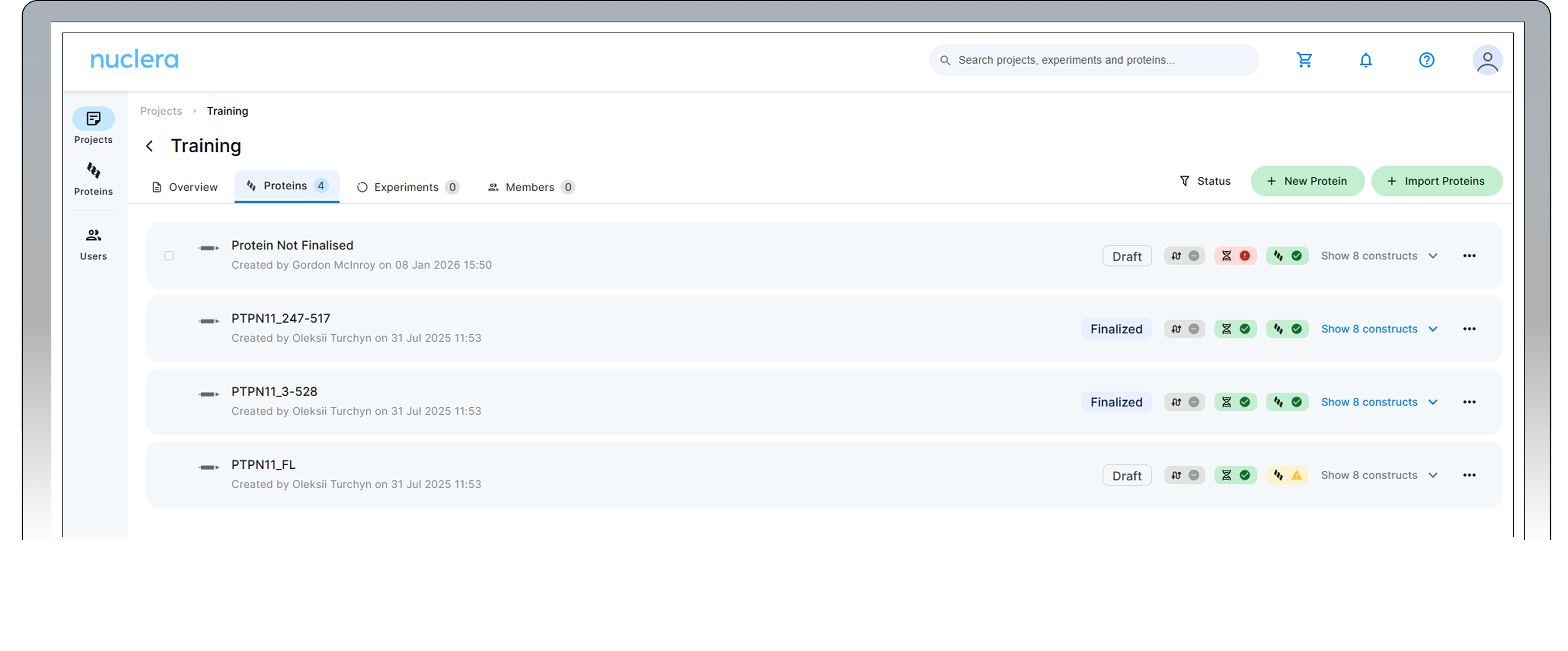
Select the proteins to be downloaded and ordered. If all proteins in the project have to be downloaded, you can use the tab at the bottomof the page, by "Select all" and click on "Download Selected Proteins".
Only finalized proteins will be downloaded.
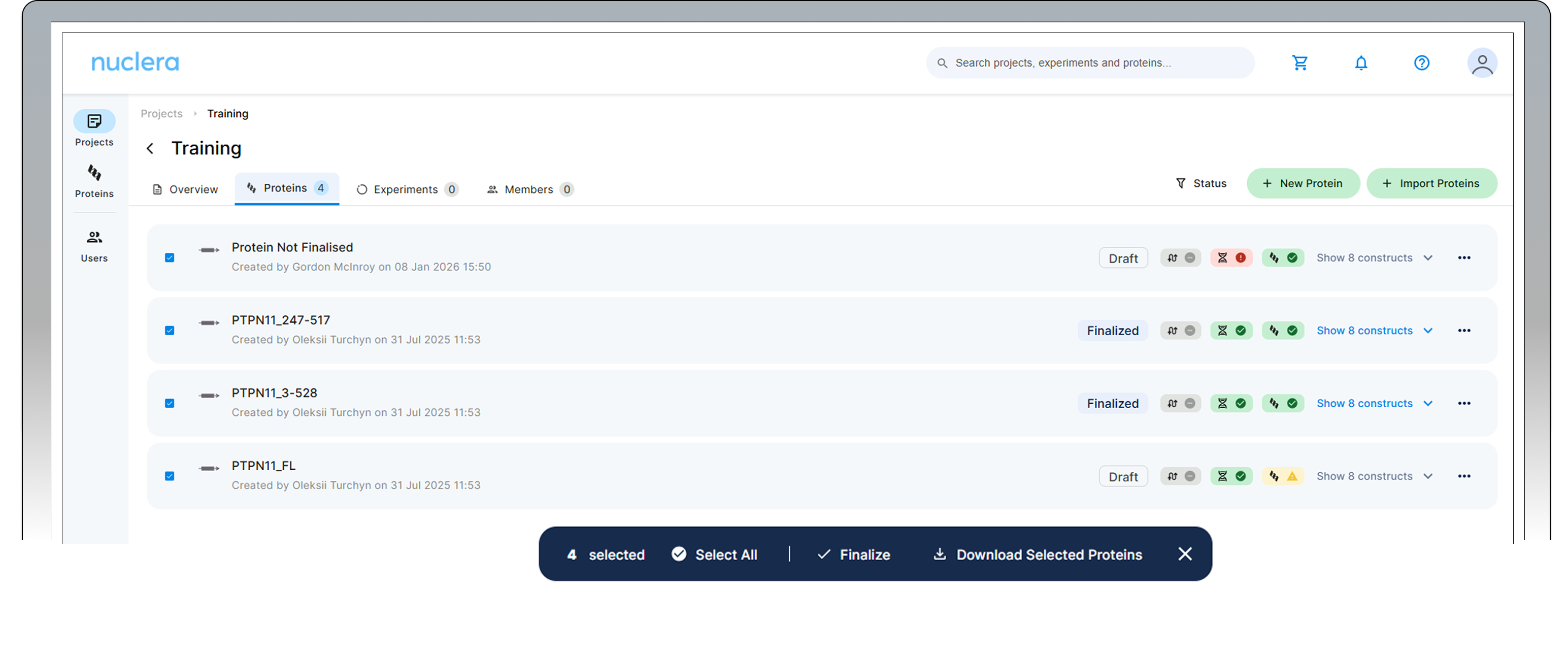
Select the "Comma separated values (CSV). This will download a CSV file that can be used to order the gene fragments.
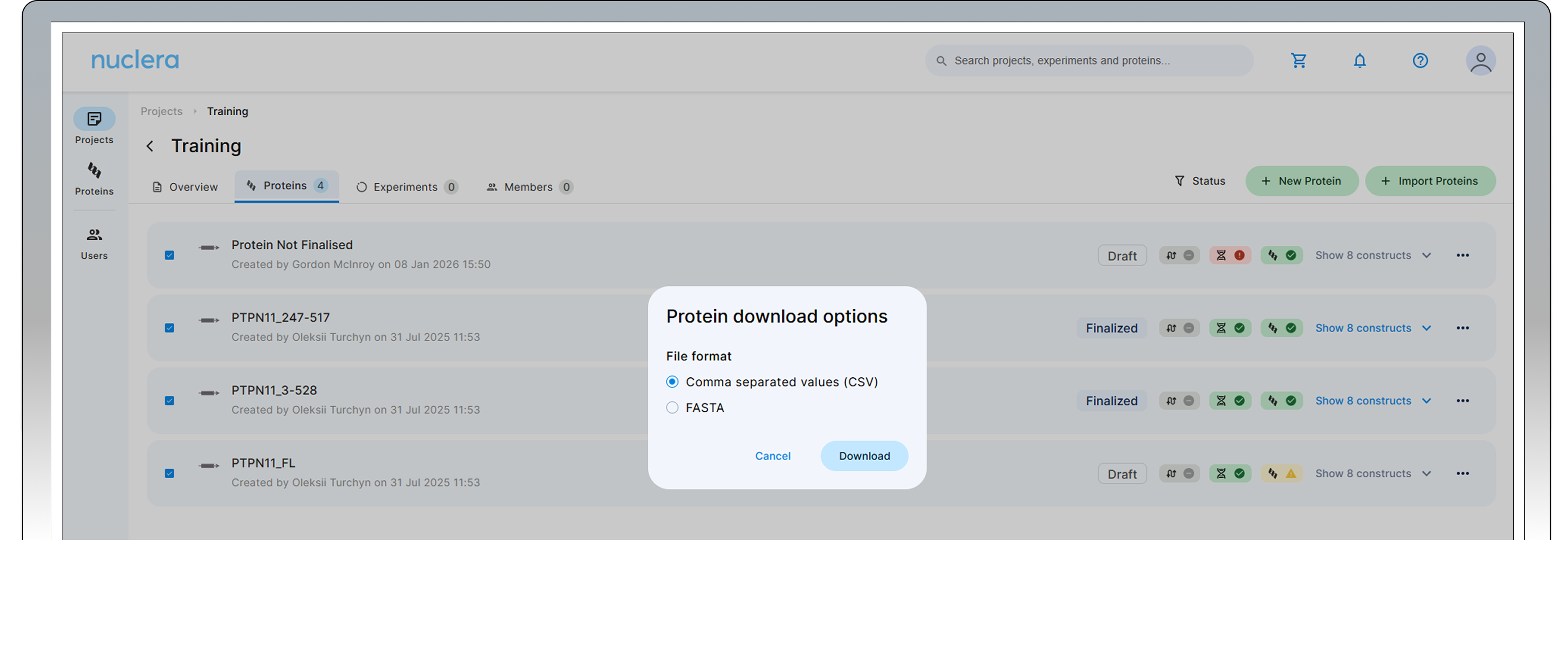
Shopping Guide
Click the shopping cart icon in the top-right corner to go to the shop.
Select the product that is going to be used on the eProtein Discovery™ system or for scale-up.